
Start with the data available
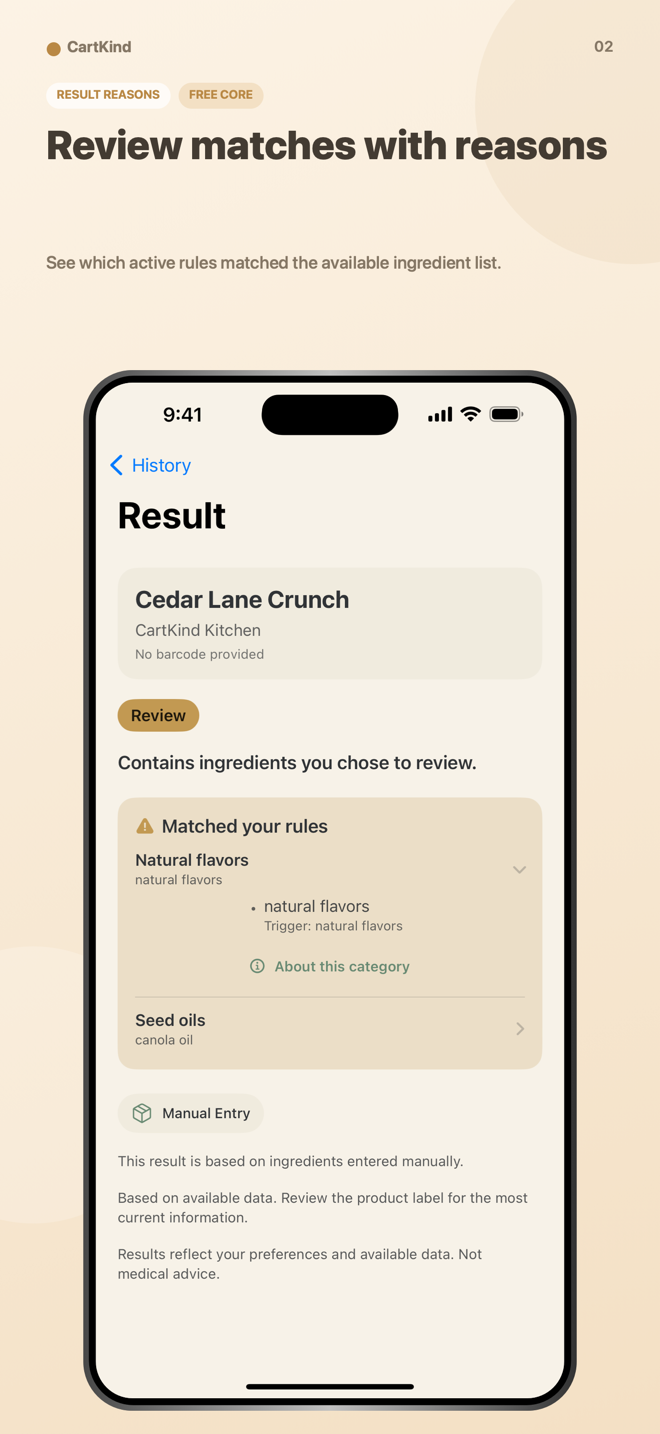
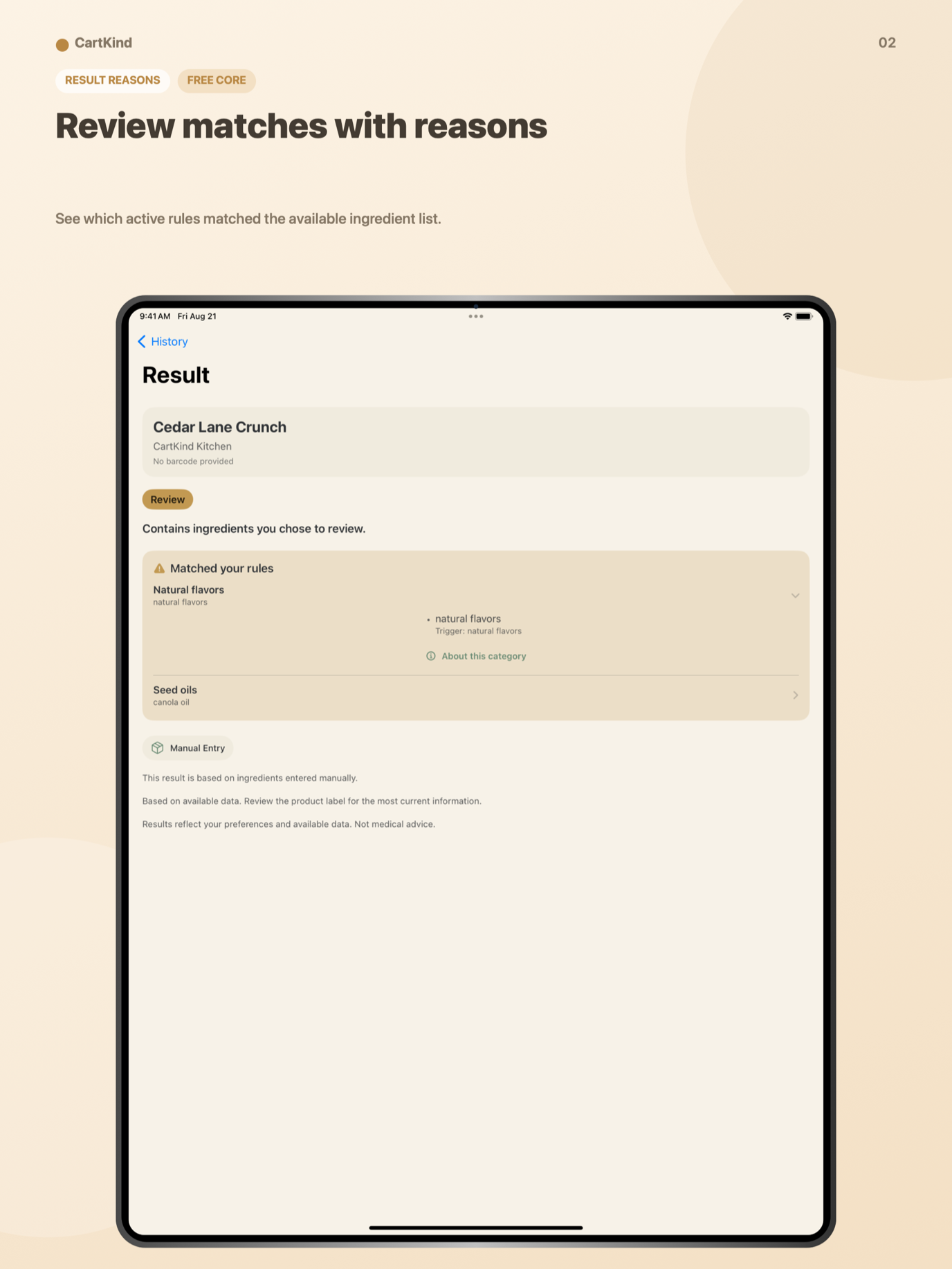
Scan or enter a barcode. If catalog data is unavailable, enter an ingredient list manually and evaluate that text instead.
iPhone & iPad · Available on the App Store
Your rules for every barcode.
Scan a barcode, enter one manually, or paste an ingredient list. CartKind compares the available ingredient text with the rules you chose and keeps the reasons visible.
A transparent shopping reference
CartKind does not assign a universal health score. It applies the settings you choose to the ingredient data that is available and explains the result.
Scan or enter a barcode. If catalog data is unavailable, enter an ingredient list manually and evaluate that text instead.
Set built-in categories to Ignore, Warn me, or Avoid. Premium adds custom categories, triggers, and rules for new evaluations.
Saved evaluations remain on your device. Premium Insights summarizes patterns across the local history you choose to keep.
Real app screens
The gallery uses iPhone images on smaller screens and the matching iPad views on wider screens. It advances only while visible; pause or move it at any time.



22-second app preview
Watch the real 1.0.2 workflow move through scanning, results, rules, history, and Premium Insights.
The preview plays automatically without sound while it is in view. Use the controls for the upbeat soundtrack. Reduced-motion and Save-Data preferences are respected.
Start free
StoreKit shows the current price, renewal terms, and any introductory offer for which your Apple Account is eligible before purchase.
Use the full basic workflow without creating an account.
Monthly and yearly subscriptions are available through Apple.
Privacy and limits
Rules and saved history stay on your device. Barcode lookup uses third-party product catalogs, so the source and limitations matter.
Rules, custom settings, and saved evaluations are stored locally. Apple-managed backups can include app data depending on your device settings.
A barcode lookup sends the barcode and standard network metadata to Open Food Facts. Its returned data may be incomplete or inaccurate.
Only after Open Food Facts reports no match, a Tyche Ventures relay requests USDA FoodData Central results. The relay may retain limited security logs for up to seven days.
Open Food Facts and USDA references can be opened when you choose. Read the full privacy policy.
Set your rules, inspect the available data, and keep the explanation with the result.
View CartKind on the App Store