Independent iPhone & iPad apps

Useful apps.
Clearer days.

Tyche Ventures makes focused tools for systems that are easy to lose track of: home records, family routines, weekly meals, ingredient notes, and staging inventory moves.

Your House, ClearlyHome records and upkeep
Little RoutinesVisual schedules and progress
Kids Meal PlannerWeekly meals, pantry, and lists
CartKindYour ingredient rules
SetHarborStaging inventory operations

The collection

One job per app. No mystery about what it does.

Each product page states the workflow, plan boundaries, privacy choices, and important limits in plain language.

Submitted for App Store review

Your House,
Clearly

Home care, records, and reminders—in one place.

Keep maintenance schedules, appliance details, warranty dates, documents, and possible recall matches in one local-first home record.
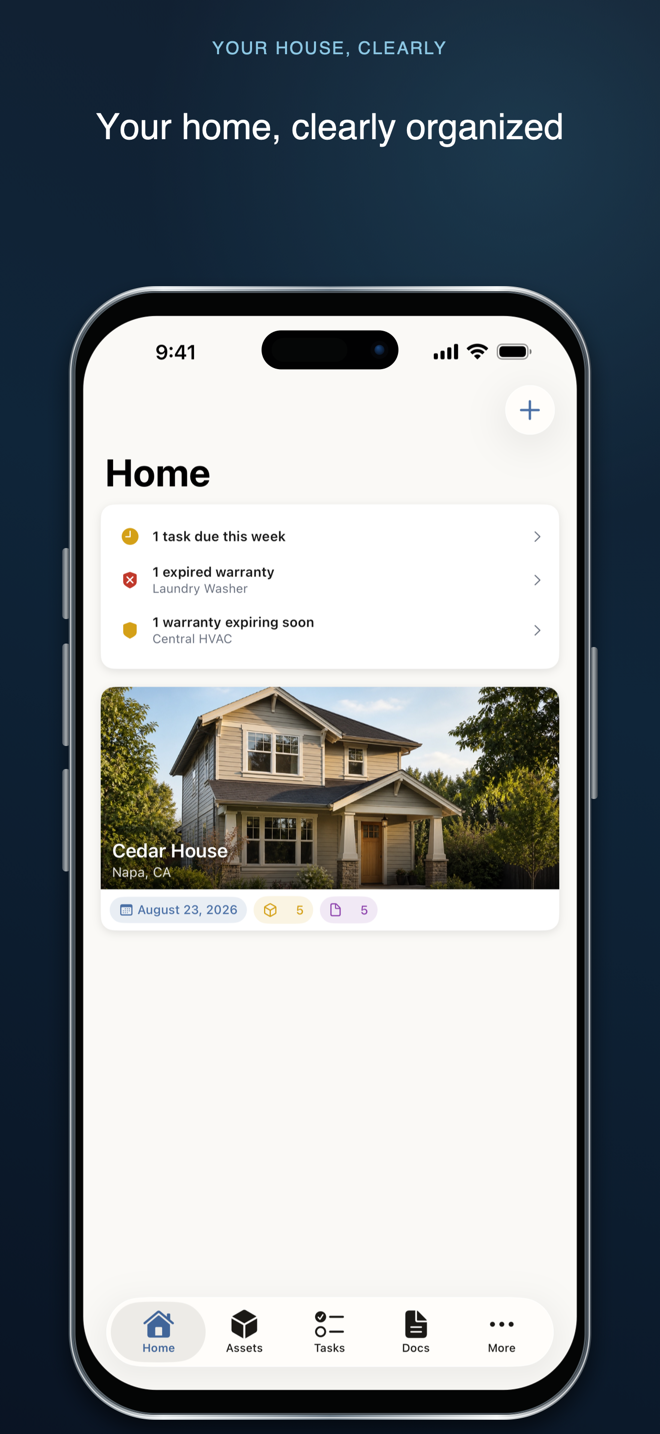

Your House, Clearly home dashboard in a framed iPhone
Available on the App Store

Little
Routines

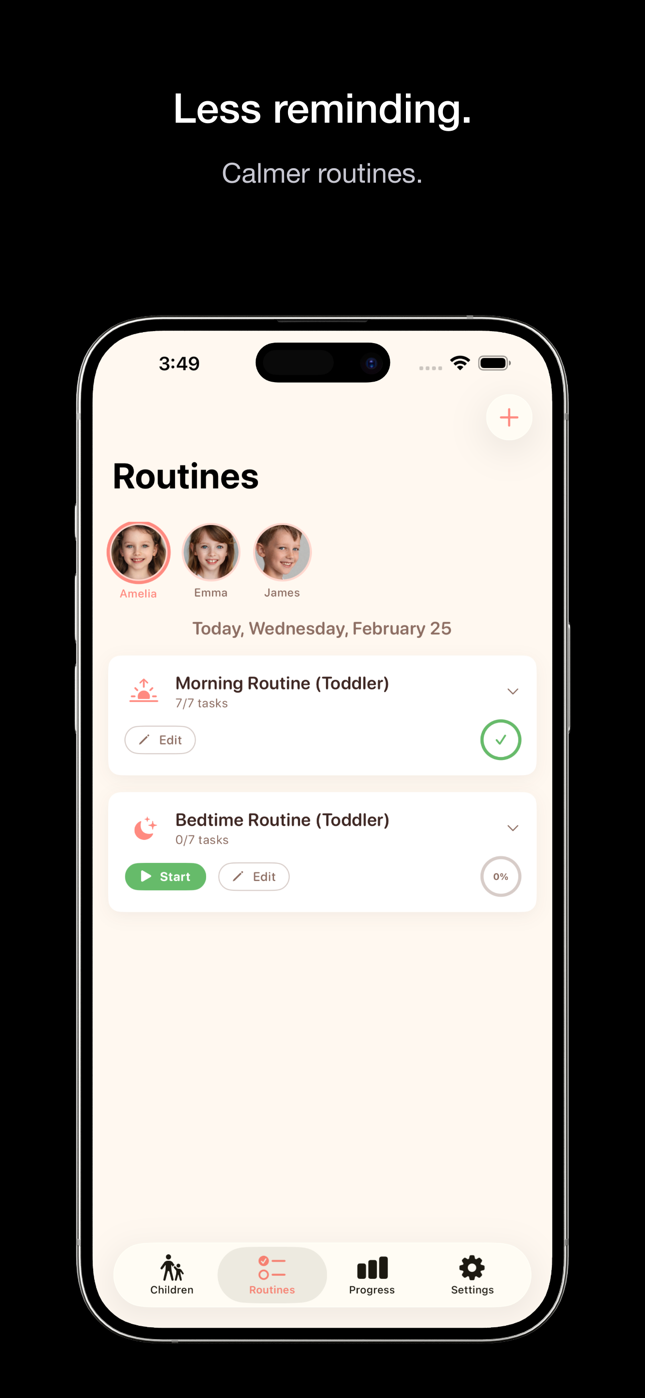
Calmer routines. Less reminding.

Build visual schedules with one-task guidance, stars, rewards, timers, progress views, and separate profiles.

Little Routines routine list in a framed iPhone
Available on the App Store

Kids Meal
Planner

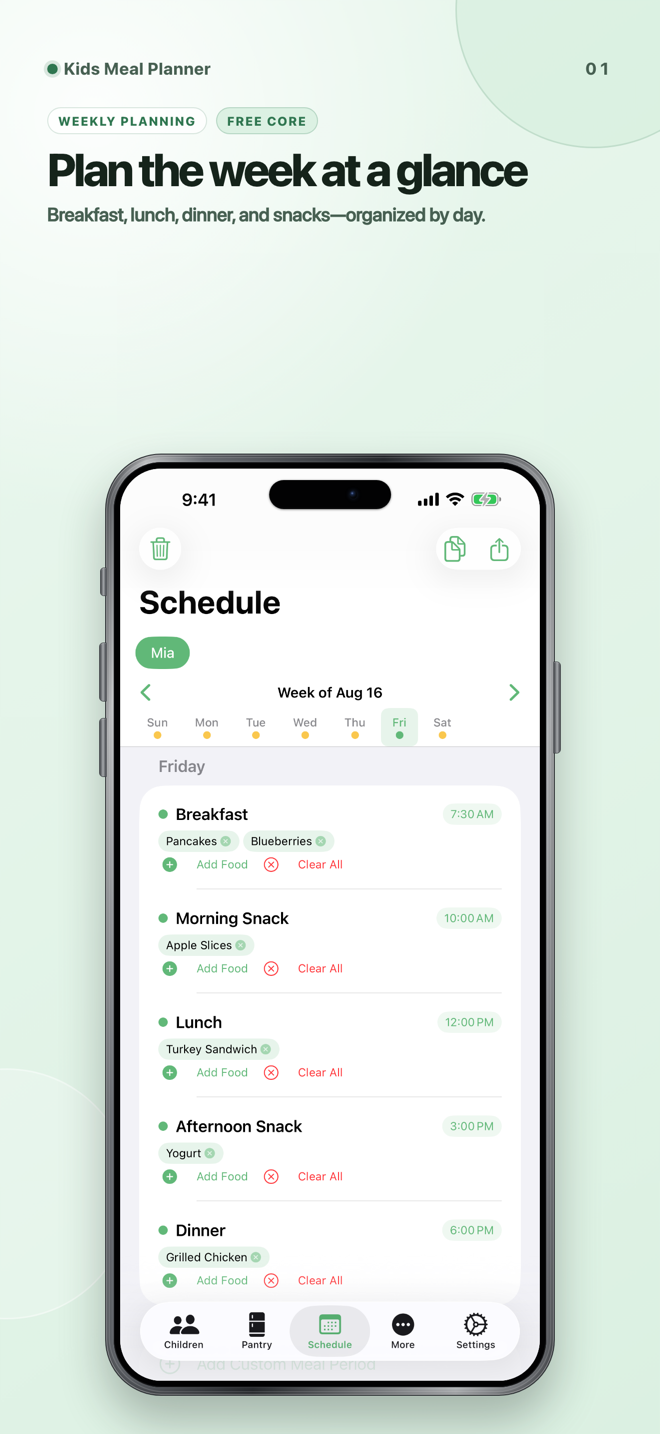
Plan the week. Shop with a clear list.

Organize meals, pantry items, and groceries around one plan. It is an organizational tool—not an allergy, nutrition, or food-safety check.

Kids Meal Planner weekly schedule in a framed iPhone
Available on the App Store

CartKind

Your rules for every barcode.

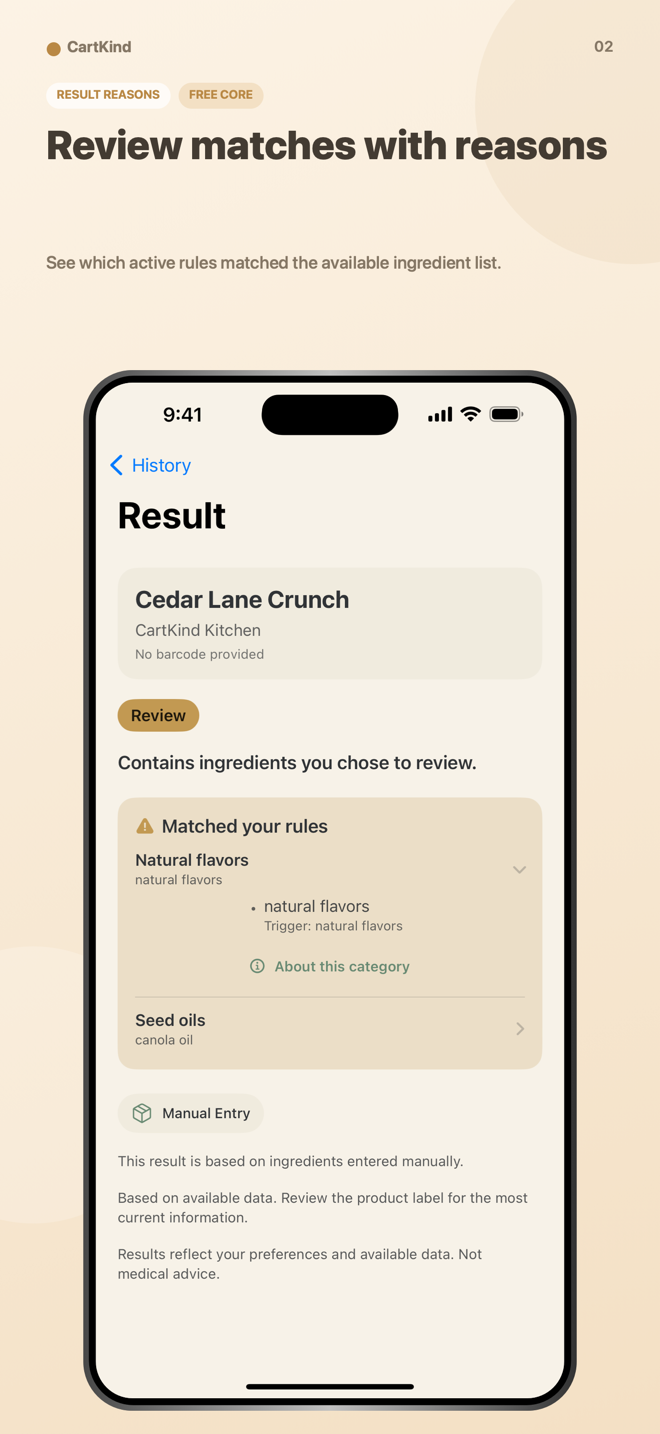
Compare available ingredient data with rules you choose and review the matches behind each result. Always verify the physical label.

CartKind result with visible ingredient-rule matches in a framed iPhone
Coming Soon

SetHarbor

Plan, move, and reconcile staging inventory.

Reserve exact pieces for properties, guide field moves with internal QR labels or manual IDs, and keep location, condition, and movement history together—without a Tyche account.

SetHarbor app icon showing a chair moving through a shelving unit

How we build

Clear interfaces, honest limits, and fewer accounts.

Good software should make its boundaries as understandable as its features.

01 · FOCUSED

A defined job

Each app is organized around a specific real-world workflow instead of a maze of unrelated features.

02 · LOCAL-FIRST

Less account friction

Core planning and record data stays local whenever the product can reasonably work that way. Network features are disclosed where they occur.

03 · PLAIN LANGUAGE

No hidden certainty

Recall matches, barcode data, templates, and planning notes are presented as aids—not guarantees, diagnoses, or substitutes for official sources.