 The Tiny Cart
We Built an App to Solve Kids' Meal Planning — Here's What It Does
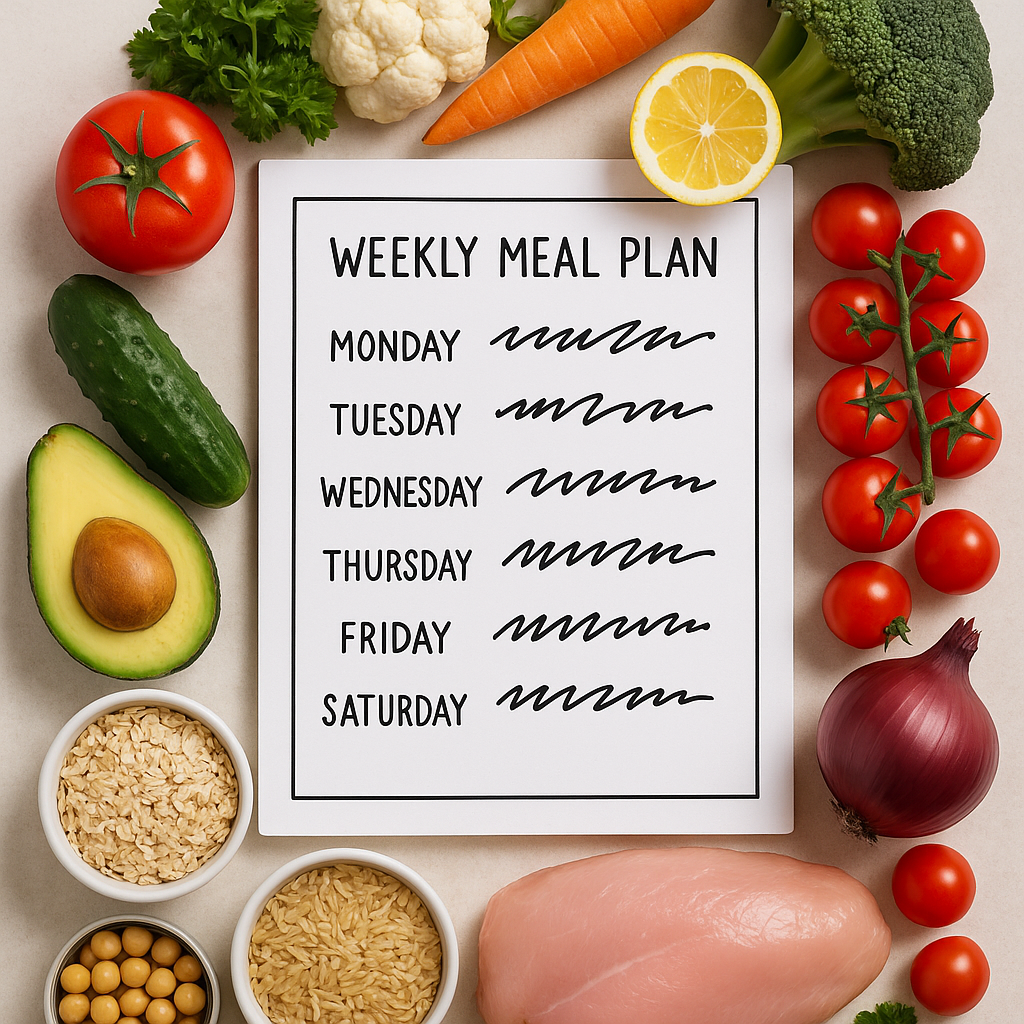
If you've ever stood in your kitchen at 5:12 PM with two hungry kids, one toddler meltdown, and no clear dinner plan, you're our kind of parent.
We built Kids Meal Planner because this exact moment kept happening in our own homes. Not once in a while. Constantly. We had grocery lists in Notes, dietary notes in our heads, daycare instructions in text threads, and a pantry full of "I think we already have this" duplicates.
So today, March 30, 2026, we're finally sharing what we've been building: a practical kids meal planner app designed for real family life — not perfect Pinterest life.
This isn't a press release. It's a plain-English walkthrough of what the app does, who it's for, and how we hope it makes your weekdays easier.
The Problem We Were Trying to Solve
Meal planning advice online is often too generic. "Plan ahead" sounds nice, but parents need a system that works when:
- Your kids eat different things
- One child has food sensitivities
- You split pickups between daycare, grandma, and a nanny
- You have 20 minutes to make decisions, max
Most families aren't failing at food. They're overloaded by food decisions. Breakfast, lunch, dinner, snacks, shopping, prep, school forms, caregiver handoffs — every day has tiny choices that add up to a lot of mental load.
We wanted one place where parents could build a clear weekly meal plan for kids, turn planned foods into a shopping list, and share that plan with whoever is helping care for their children.
What We Built (and Why)
Kids Meal Planner is a meal planning app for families focused specifically on children's routines. It helps you plan breakfast, lunch, dinner, and snacks across the week, then ties that plan to pantry tracking, grocery lists, and optional Premium caregiver sharing.
We built it around one belief: if a tool is going to be used by tired parents, it has to reduce steps, not add them.
That means no account setup to get started, no internet requirement for core planning, and no complicated dashboard language. Open app → plan food → shop smarter → share when needed.
A Quick Feature Walkthrough (with Real-Life Examples)
1) Weekly planning for breakfast, lunch, dinner, and snacks
Inside the app, you can map each meal slot for every day of the week. If your family repeats rhythms (like taco Tuesday or sandwich Fridays), you can save that structure and reuse it.
Example: You set Monday breakfast as oatmeal + fruit, Tuesday lunch as turkey roll-ups + cucumbers, and weekday snacks as yogurt + berries. With Premium, you can copy the full week and tweak only what changed.
2) Child profiles with dietary notes and contact context
A child profile can hold food preferences, dietary notes, and contact information for your own planning reference. The Free plan supports one child; additional profiles require Premium.
Important: Notes are reminders, not safety checks. The app does not verify ingredients, allergens, age suitability, nutritional completeness, cross-contact, or food safety. Always use package labels and qualified professional guidance for individual needs.
3) 10 sample planning templates to speed up setup
Premium includes 10 neutral weekly starting points: Toddler Meal Ideas, Daycare Meal Ideas, Familiar Favorites, Quick Weekday Ideas, Budget-Friendly Ideas, Produce & Protein Ideas, Vegetarian Meal Ideas, Simple Pantry Week, Mediterranean Kids, and Packable Lunchbox Ideas. Pick one, review every item against your household’s needs, and edit the plan before using it.
Template names describe an organizational starting point only. They are not certifications or claims that a plan is allergen-free, nutritionally complete, medically appropriate, or safe for a particular child.
4) Reuse meals and copy a week with Premium
Kids love repetition. Parents need repetition. Reuse familiar foods as you plan, and use Premium to copy a full week before adjusting what changed.
This one sounds small, but it removes a lot of typing and decision fatigue over time.
5) Pantry tracker with barcode scanning
You can track pantry and kitchen staples in-app and scan barcodes to add items faster. This helps answer the eternal question: "Do we already have this?"
Example: You're at the store deciding on tortillas, applesauce cups, and granola bars. Quick check in pantry tracker = fewer duplicates and fewer forgotten staples.
Barcode lookup sends the scanned code and standard network metadata to Open Food Facts. Open Food Facts may retain IP and request logs for security, technical analysis, usage statistics, and product-popularity measurement under its Privacy Policy. Returned product names, brands, categories, and images can be incomplete or inaccurate; the package label controls. See its terms and licensing.
6) Grocery lists generated from your meal plan
Once meals are scheduled, the app creates a grocery list automatically based on planned items and what's missing. This is the bridge between "nice plan" and "actual execution."
Instead of writing a second list manually, you're ready to shop in minutes.
7) Color-coded PDF meal schedules with Premium
Premium can generate a clear, color-coded PDF schedule from your weekly plan. Review it before you print or send it because it may contain profile details and dietary notes you entered.
8) Premium sharing for daycare, nannies, and grandparents
With Premium, meal-schedule PDFs can be shared through the iOS share sheet. We built this intentionally because many families have a care team, not just one parent doing everything.
How This Works in Real Caregiver Handoffs
Meal plans break down most often during transitions: school pickup days, alternate custody schedules, nanny afternoons, or grandparent support days. So we designed sharing to be straightforward.
Here are a few common use cases:
- Daycare lunches: With Premium, share a reviewed weekly lunch plan and snack notes for planning context.
- Nanny afternoons: With Premium, share the daily snack + dinner-prep outline with dietary notes for context.
- Grandparent evenings: With Premium, share a reviewed PDF schedule with meal instructions and portions.
This can reduce repetitive texting and keep planning notes in one place. The shared PDF plan is a handoff document, not live collaborative sync, and it does not replace direct safety instructions, package labels, or professional guidance.
Pantry + Grocery: The Part That Saves the Most Time
For many families, planning meals isn't the hardest part. Shopping and restocking are.
That's why we tied pantry tracking to list generation and added quick restock actions when items run out. If you discover you're out of oat milk, crackers, or lunch fruit cups midweek, you can mark and restock fast instead of rebuilding your list from memory later.
We also included curated meal-prep product discovery in app for families who want to upgrade their kitchen flow (with optional Amazon affiliate links).
If you're setting up your own system, these staples usually make the biggest difference:
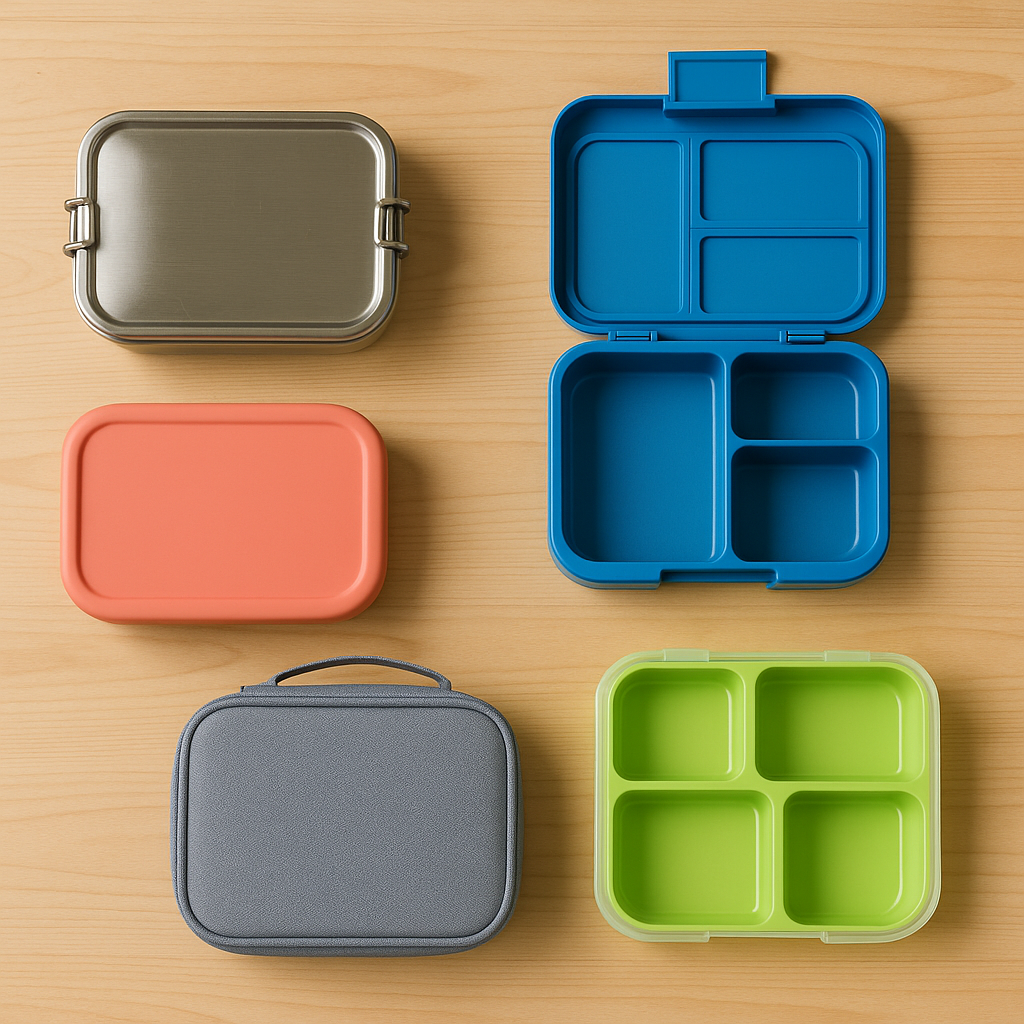
Leak-Proof Bento Lunch Boxes
Helps with portioning and quicker lunch assembly when your week is already planned.
Browse Bento Picks →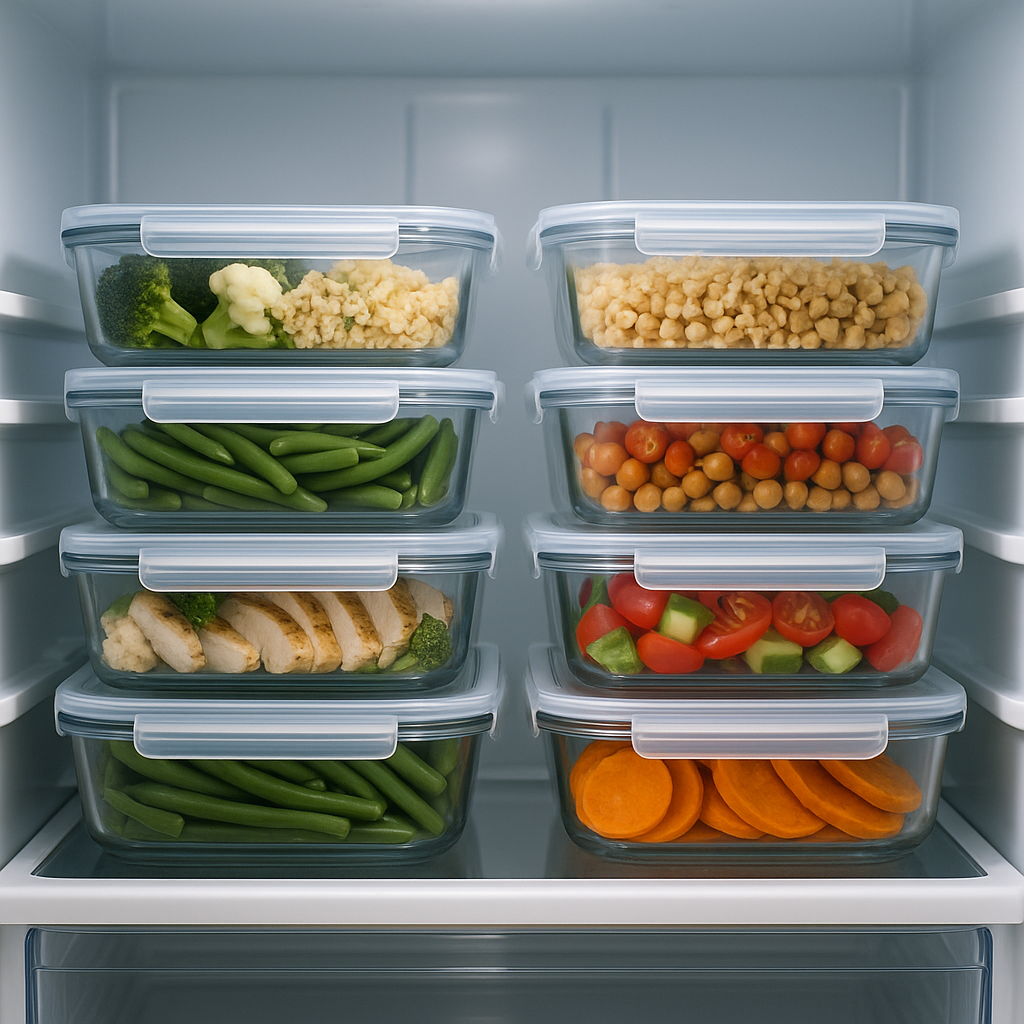
Family Meal Prep Containers
Useful for Sunday prep and "grab-and-build" lunches all week. We also shared our favorites in this guide.
Shop Containers →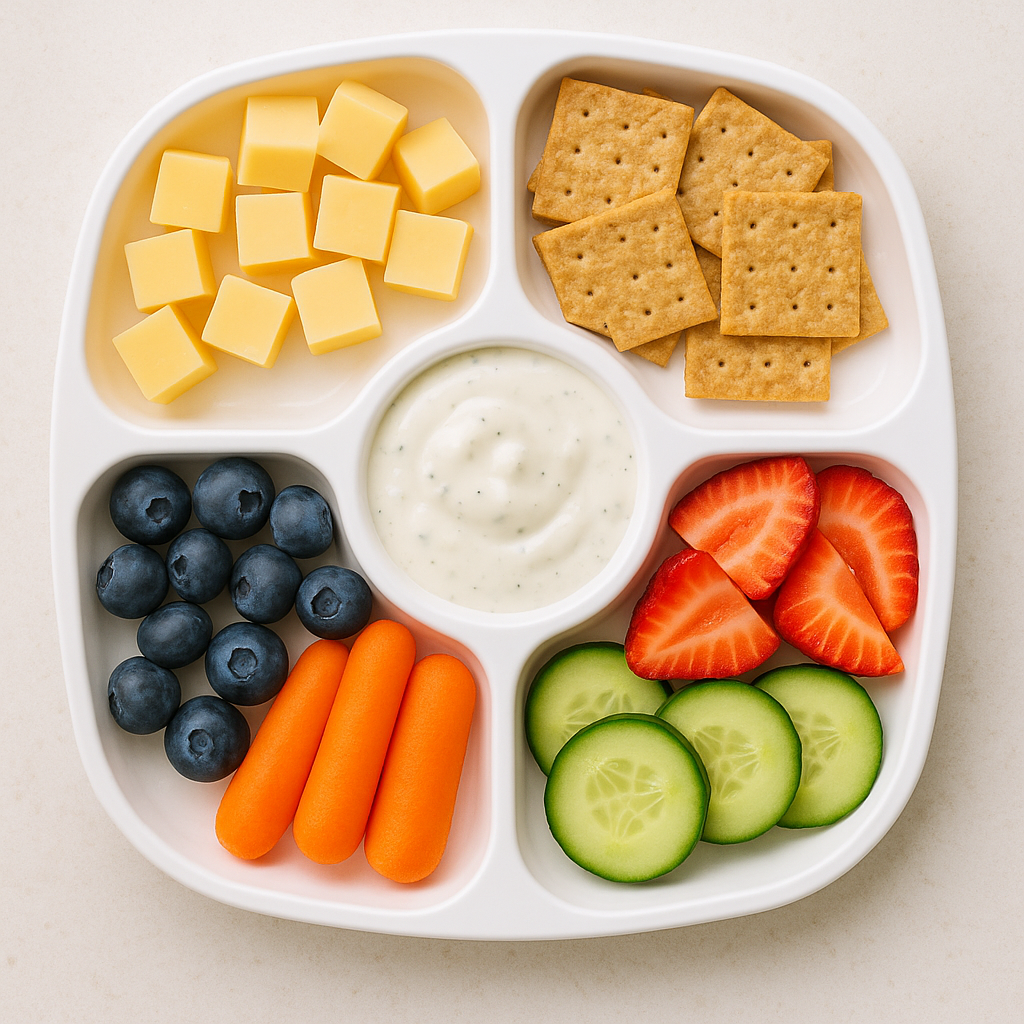
Snack Containers for Pre-Portioning
Great for after-school routines and reducing random pantry grazing when everyone is hungry at once.
See Snack Containers →Free vs Premium: What's Included?
We wanted the app to be genuinely useful for free, not a demo disguised as a product.
Free includes: one child profile, weekly scheduling, pantry management, shopping lists, and barcode lookup.
Premium is optional and unlocks unlimited child profiles, sample planning templates, full-week copying, PDF export and printing, and caregiver sharing. Current prices, renewal terms, and trial eligibility appear on the App Store and in the in-app purchase screen.
Our recommendation is simple: start with free, use it for your real schedule, then decide if premium features are worth it for your household.
Privacy: What Stays Local and What Connects
This one was non-negotiable for us.
Kids Meal Planner does not require a Tyche account to use core features. Child profiles, meal plans, pantry items, and shopping-list content are stored locally in the app. Device backups and files you choose to export or share can create additional copies.
Barcode lookup contacts Open Food Facts; Apple StoreKit handles subscriptions; optional Amazon affiliate links open externally; and PDFs leave the app when you choose to share or save them. The Privacy Policy explains each connection.
A Simple First-Week Setup
- Download Kids Meal Planner.
- Create one child profile and add only the planning notes you need.
- Build the week manually, or choose a sample starting template with Premium and review every item.
- Plan only 5 dinners + repeatable lunches/snacks for week one.
- Generate your grocery list and shop once.
- With Premium, review and export a PDF before sharing it with anyone helping this week.
Start small, check the plan against package labels and household needs, and refine it as your routine changes.
Why We Think This Matters
Parenting apps can overpromise. Ours won't make your child magically eat broccoli or stop dinnertime negotiations forever.
What it can do is reduce planning friction, cut duplicate grocery trips, and make handoffs with caregivers clearer. In family life, those "small" wins matter a lot. They save energy you can spend somewhere better.
If you've been looking for a practical meal planning app for families — especially one focused on weekly meal plan kids workflows — this is exactly what we built it for.
Download Kids Meal Planner
The app is live now on the App Store.
Download Kids Meal Planner on the App Store →
And if you're building your home meal system from scratch, pair it with the right gear: a reliable bento lunch box, sturdy meal prep containers, and easy snack storage. Better tools + clearer planning = calmer weekdays.
We're parents too. We built this for the 5 PM scramble — and we hope it makes your week easier.