Choose pictures and names
Import JPEG, PNG or HEIC pictures, or start with an illustrated template. Edit every label and use 16–40 pictures in a game.
Family photo bingo for Mac, iPhone and iPad
Turn pictures of your family, pets and favorite places into a bingo game for your next get-together. Add the names everyone knows, make your cards, and print a pack to play together.
macOS 14+ · iOS 17+ · iPadOS 17+ · No subscription

Import JPEG, PNG or HEIC pictures, or start with an illustrated template. Edit every label and use 16–40 pictures in a game.
Make 1–50 player cards, with two 4×4 cards per page. Matching caller sheets include your whole picture collection. Choose Letter or A4.
Print directly from the app or save a PDF to share. Keep a named game in My Games and reopen it without searching for a project file.
Inside BingoKeeps
Take the short tour, or select a screen below to open it full size.
A 28-second walkthrough captured from the real Mac app, with an original instrumental. Fictional AI-generated demo photos show how your own pictures can become a game. Starts muted; sound is optional.
The family and memory photos below are fictional, AI-generated demo images imported into the real Mac app. They are not included templates. BingoKeeps uses pictures you choose; it does not generate AI images.
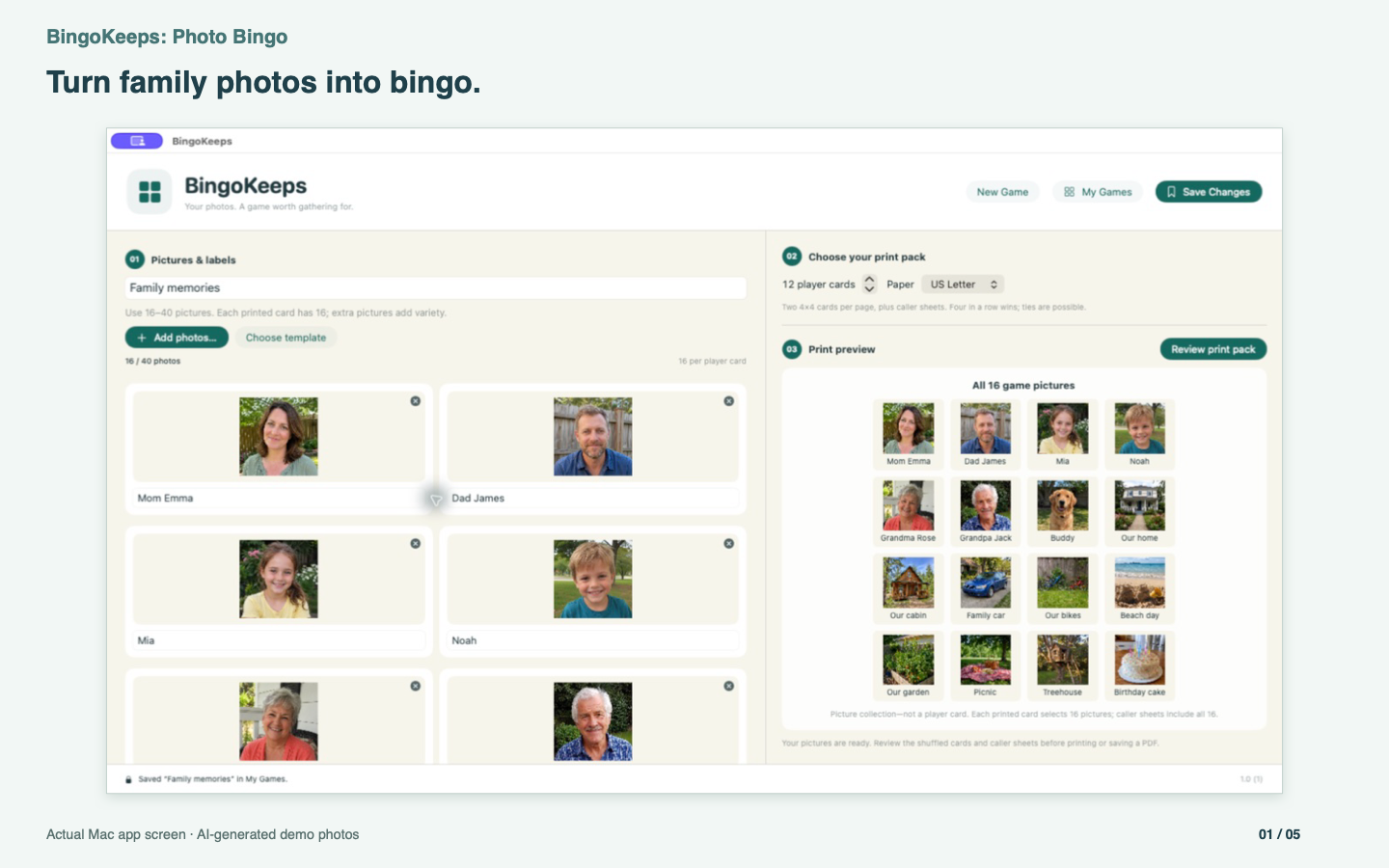
Import your own pictures and add the names everyone knows.
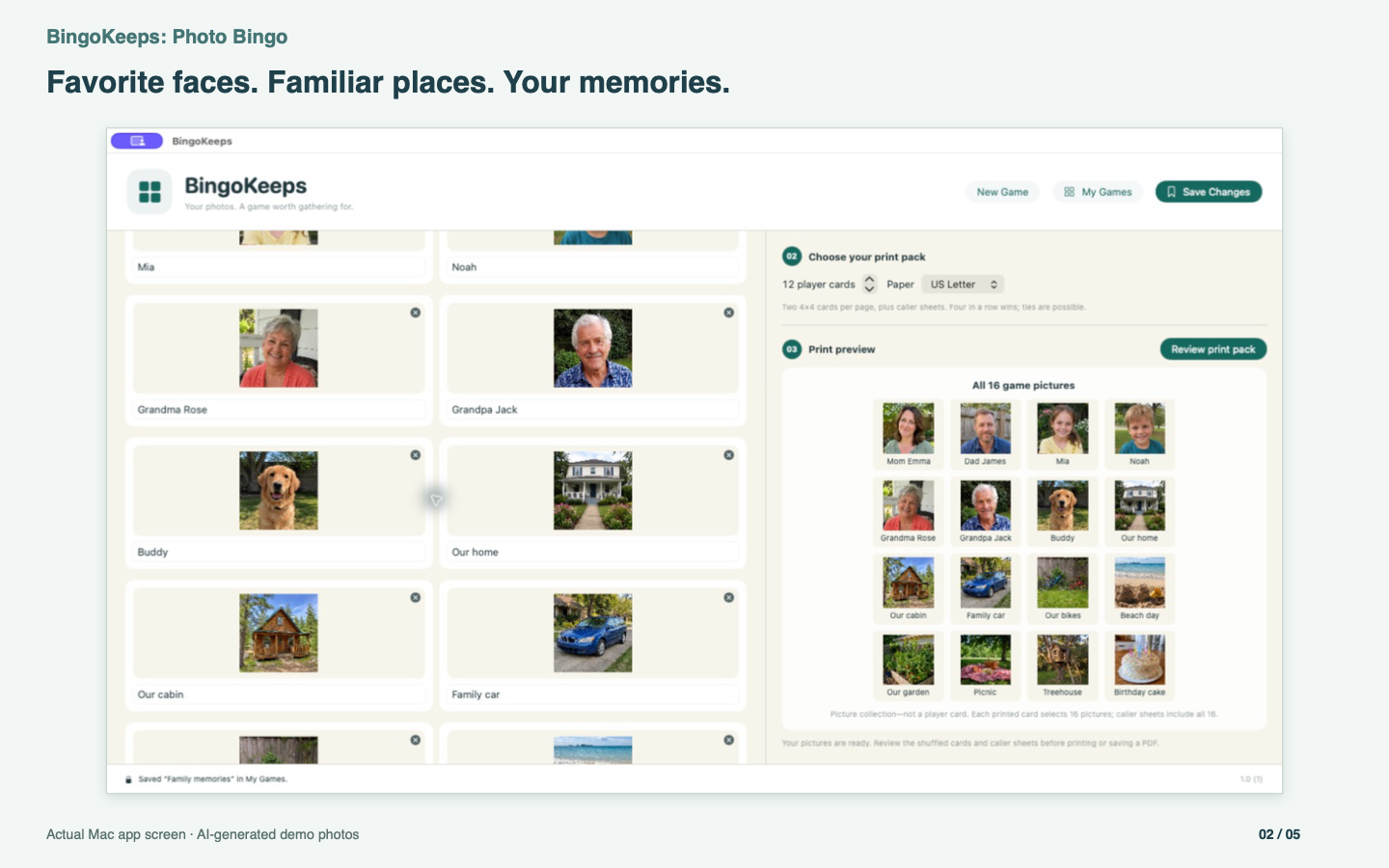
Bring pets, places and everyday memories into the same game.
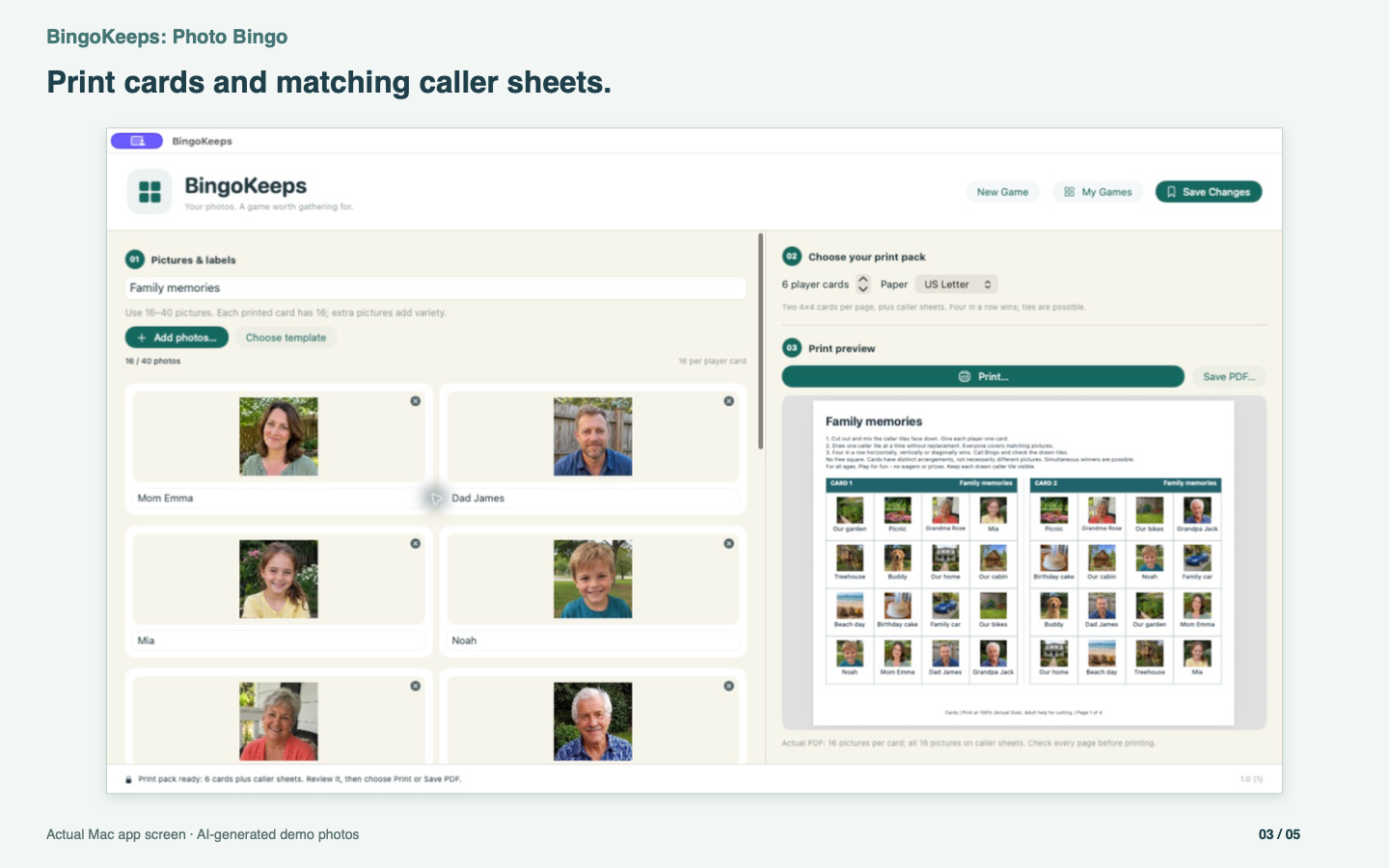
Review your photo game before Print or Save PDF.
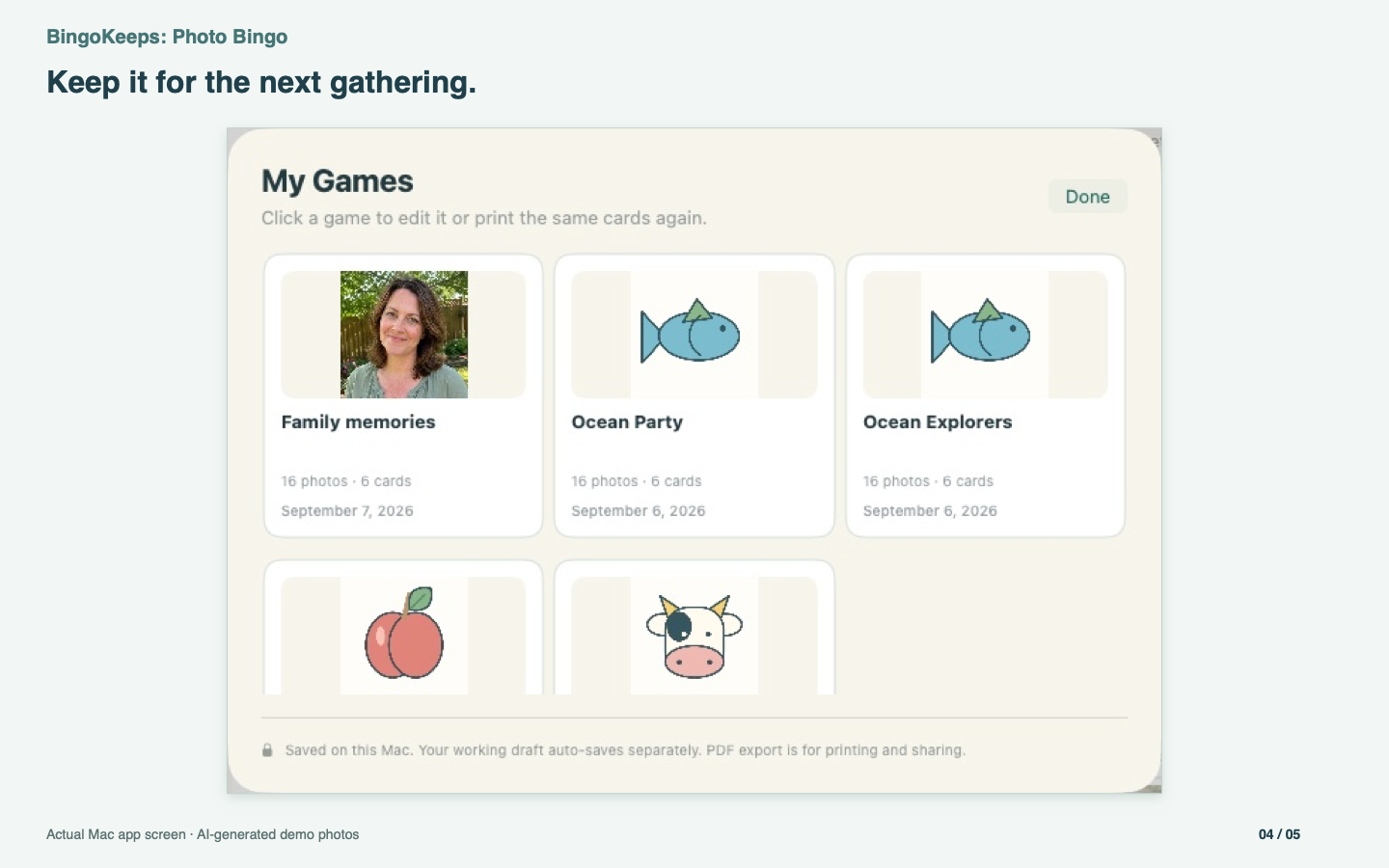
Reopen your saved pictures, labels and card arrangements from My Games.
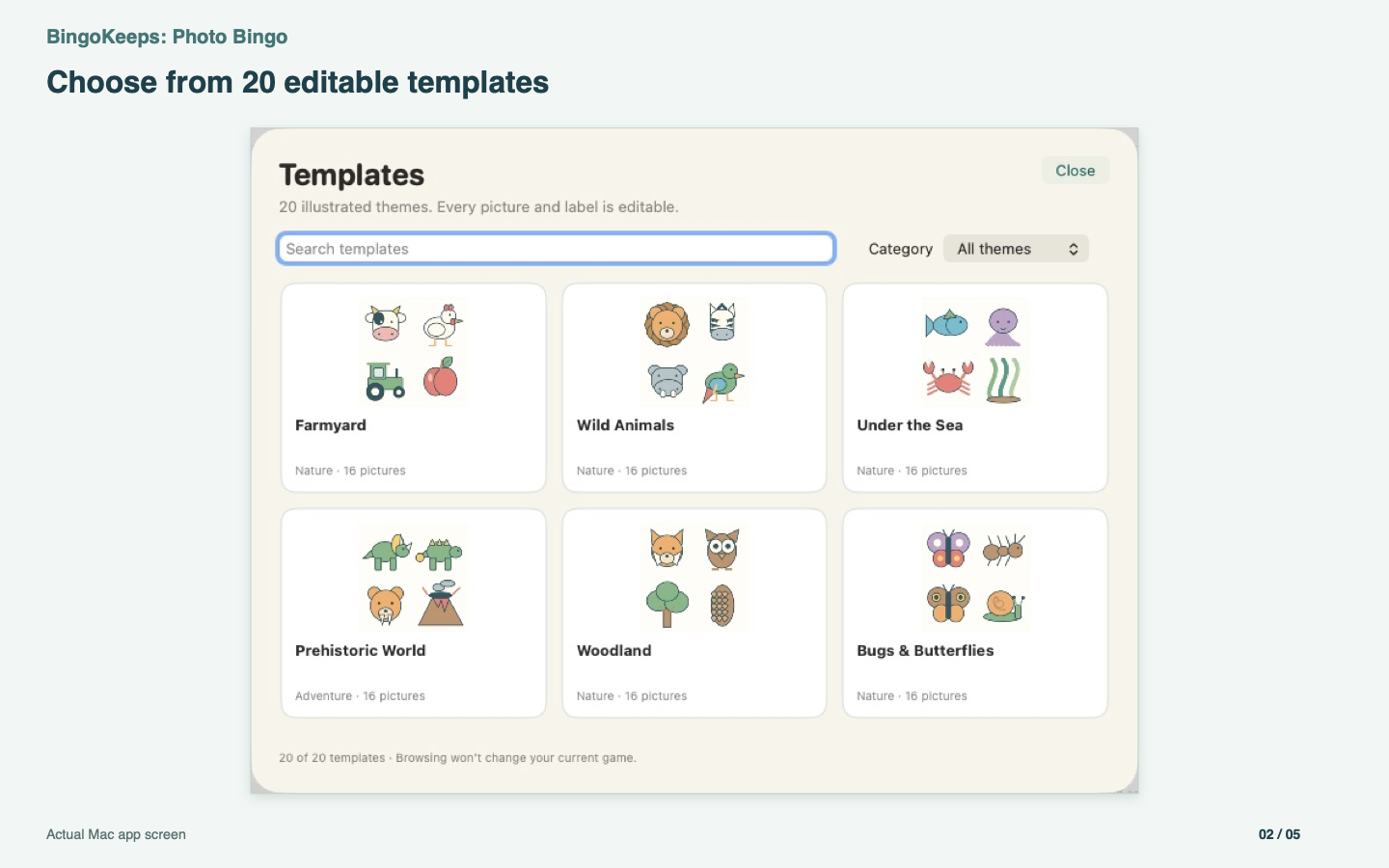
Choose an included template, then make it your own.
20 illustrated starting points
Start with 16 pictures in every template, then change the names, add your own pictures or make a new combination. All templates are included.
Your pictures and editable games stay on the device where you create them. No Tyche account, automatic cross-device sync, ads or analytics SDK. Exported PDFs contain your pictures and labels; you decide where to save or share them.
How your information is handledThe App Store version uses one upfront purchase with all templates and saved-game features included. There is no subscription, in-app unlock or app-imposed saved-game count limit. Available device storage still applies.
The App Store shows the current price in your region and supported devices.
Four matching pictures in a horizontal, vertical or diagonal line wins. Every card has a distinct arrangement; ties are possible. Review the pack and printer settings before printing, and have an adult help with cutting.
Read the quick-start guide