 The Tiny Cart
How to Shop Faster for Ingredient-Conscious Families with CartKind
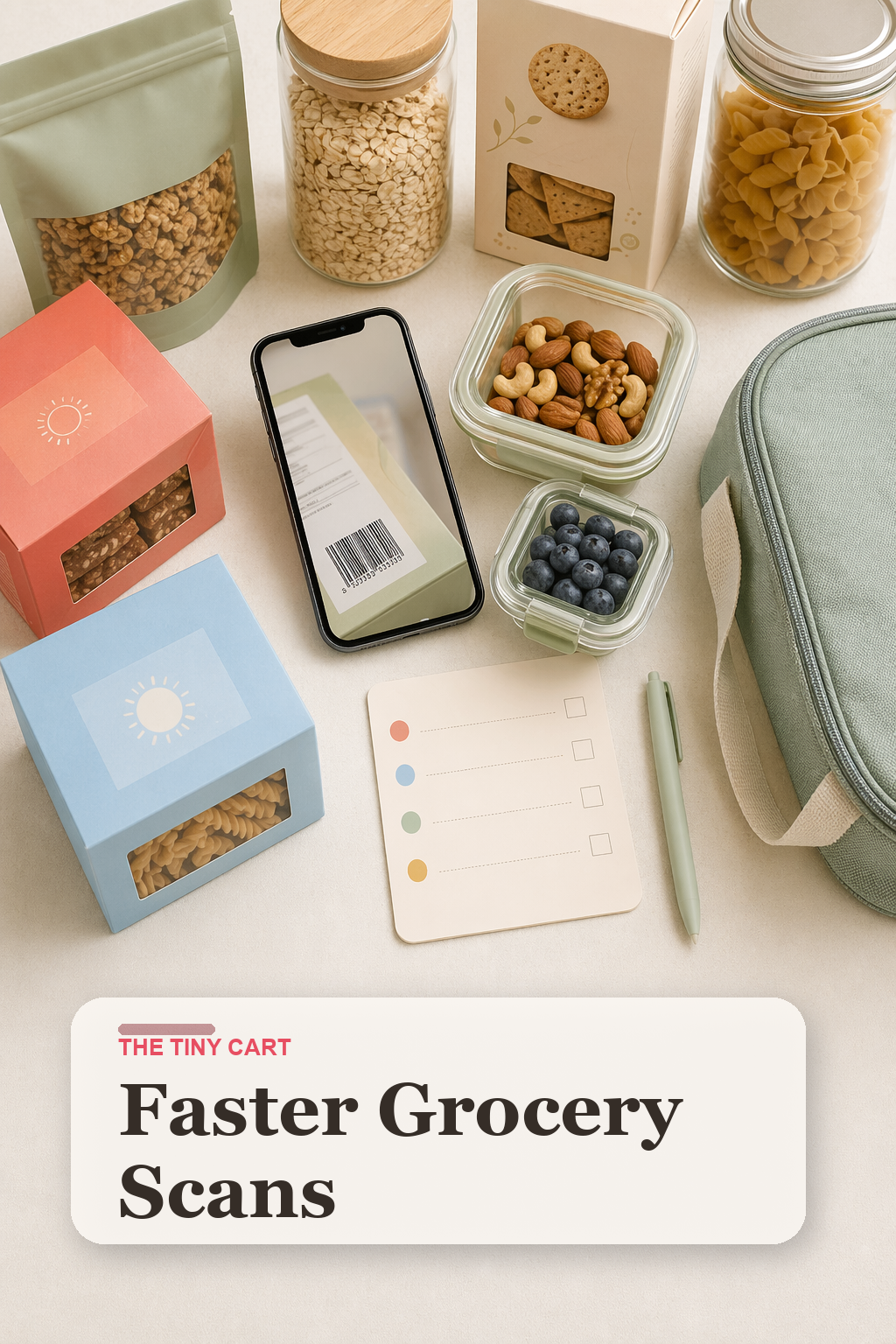
Ingredient-conscious grocery shopping gets slow for a simple reason: every possible shortcut seems risky. So families end up standing in the aisle reading tiny labels, re-checking the same products, and still leaving with at least one item they do not fully trust.
That is exactly the gap CartKind is built to close. It gives families a faster way to compare available ingredient text with their own rules, so the grocery trip does not depend on one parent remembering every setting from memory. CartKind is a shopping reference, not allergy, medical, nutrition, or food-safety advice. Catalog data can be incomplete, outdated, or wrong, so the physical package label always controls.
Why Grocery Trips Slow Down So Fast
- The labels are hard to compare quickly. Even familiar products change packaging or slip in one new ingredient.
- Every family has different rules. One household is watching dyes, another is avoiding specific preservatives, and another is tracking a short list of ingredients that always create problems.
- The same decisions repeat every week. Without a saved system, you keep re-researching granola bars, crackers, yogurt cups, and snacks you already debated last Thursday.
- Shopping often happens under pressure. Kids are in the cart, dinner still has to happen, and the "just read every label carefully" advice starts to collapse in real life.
How We Would Use CartKind in a Real Grocery Workflow
1. Set the family rules once
Inside CartKind, create the ingredient rules that matter to your household. The point is not to chase a generic health score. It is to make your Ignore, Warn me, and Avoid choices reusable, then review whether the available ingredient text is Aligned, needs Review, or is Not aligned with those settings.
If you want the full product walkthrough first, start with our CartKind guide. It explains how scanning, custom rules, and saved history fit together.
2. Scan new products before they earn a pantry spot
Use the app when you are deciding between brands, not when a lunchbox is already open at home. That is the difference between ingredient review as a proactive system and ingredient review as a late-stage emergency.
3. Build a short list of repeat wins
Once you have reviewed a product against your current rules and its physical label, the saved result can be a useful starting point next time. This matters most in categories families repeat constantly, like the picks from our guides to the best snack containers for kids, best lunchbox ice packs for kids, and best kids lunch bags for camp and day trips, because those systems only work when the food side is consistent too. Re-check the package because formulations and labels can change.
4. Separate previously reviewed groceries from "needs review" groceries at home
When you get home, give new or questionable items one landing zone before they mix into the regular pantry. That rhythm pairs especially well with our school snack system guide, because both the app and the pantry setup work best when review happens before the next rush.
Where CartKind Helps Most
We think CartKind is strongest in the categories families buy on repeat but rarely want to re-evaluate from scratch: snack bars, crackers, yogurt add-ons, cereals, sauces, and the quick lunchbox fillers that quietly add up over a week.
It is also useful when different adults shop for the household. Instead of passing around a screenshot of "ingredients to avoid," you can make the rules visible inside one tool and keep the decisions more consistent.
Reusable Grocery Tote Set
Helpful when your grocery flow includes a slower scan-and-compare pass and you need a cleaner way to separate pantry, fridge, and lunchbox items while you shop.
Shop Grocery Tote Sets →Fridge-Mount Grocery List Pad
Useful for keeping track of products you previously reviewed against your family rules and the physical label, so the next trip starts with a better reference list.
Shop Grocery List Pads →Clear Pantry Review Bins
A practical way to hold "scan first" or "previously reviewed for lunchbox" items in separate zones after you get home.
Shop Pantry Review Bins →What Makes This Better Than a Paper List
A paper list can record what you want to avoid, but it cannot organize a comparison of available ingredient text against your Ignore, Warn me, and Avoid settings or keep the match reasons with a saved result. CartKind can do that comparison, while the physical label remains the source you must verify for current ingredients and warnings.
That is the value of a reference tool built around your rules. It moves the comparison closer to the shelf and takes some repetition out of shopping without presenting the result as a safety decision.
Bottom Line
If your grocery trips are slow because you are reading labels carefully, the answer is not to stop caring. It is to make the care more repeatable.
CartKind is the clearest way we know to do that: set your rules once, compare the available ingredient text in the aisle, and keep the saved result as a prior reference instead of starting over every time.